aving Report Definitions
Jump to navigation
Jump to search
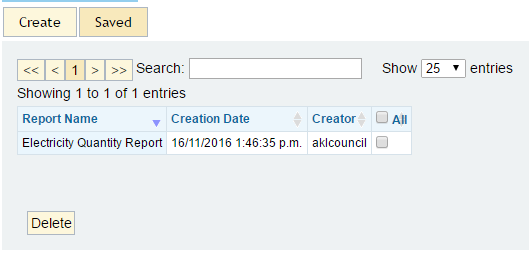

Previously saved Report Definitions can be loaded or deleted from this page.
>> To load a previously saved Report Definition mouse click on the required Definition. This will open the Create a Report section, with all of the details from the selected Report Definition already filled out in the appropriate fields. The Report can then be run as is or details can be edited as in Creating a Report.
>> To delete a previously saved Report Definition select the Definition(s) to be deleted by ticking the corresponding box in the far right hand column. It is possible to select multiple Definitions and also to select/deselect all Definitions in the list by ticking the all/none box at the top of the column.