Difference between revisions of "Account Information"
Jump to navigation
Jump to search

(→Usage) |
(→Usage) |
||
| (One intermediate revision by the same user not shown) | |||
| Line 56: | Line 56: | ||
---- | ---- | ||
| − | [[Main Page | | + | [[Main Page | ►Main Page]] |
| − | [[Data Browser| | + | [[Guide to Ellserve | ►Guide to Ellserve]] |
| − | [[Data Page| | + | [[Data Browser| ►Data Browser]] |
| − | [[Display Controls| | + | [[Data Page| ►Data Page]] |
| + | [[Display Controls| ►Display Controls]] | ||
Latest revision as of 16:03, 27 June 2014
| Purpose |
|
|---|
Configuration


| Settings | Description | Values |
|---|---|---|
|
| |
|
|
|
|
|
|
|
Usage
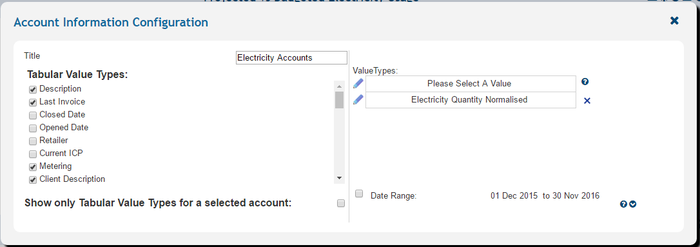
The account information control has a number of interactive features to identify and display account details.
►Main Page ►Guide to Ellserve ►Data Browser ►Data Page ►Display Controls