|
|
| Line 38: |
Line 38: |
| | | | |
| | ====Notes Browser==== | | ====Notes Browser==== |
| − | [[File:Conn4.png|right|750px|Frame|Connections Table (Left)]] | + | [[File:Notes.PNG|right|750px|Frame|Connections Table (Left)]] |
| | | | |
| | {| class="wikitable" style="text-align: left; color: black; Width=600pt;" | | {| class="wikitable" style="text-align: left; color: black; Width=600pt;" |
Latest revision as of 15:44, 19 September 2017
Access
The Notes Page is accessed through the Notes tab on the carousel
Home - Parent
Controls
The notes page has two parts: the document browser and the notes browser
Document Browser
| Object type
|
- Document browser
|
| Purpose
|
- To allow viewing and editing of reference documents (e.g. text files, scans, photographs and spreadsheets) for download and linking to notes.
|
| Configurable in session
|
- None
|
Notes Browser
| Object type
|
- Notes browser
|
| Purpose
|
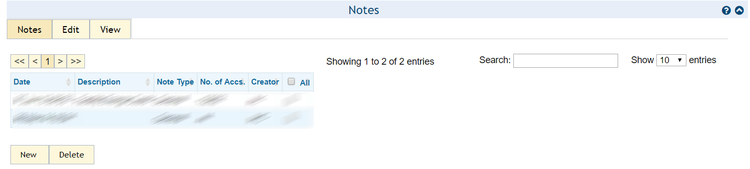
- To allow viewing and editing of notes (e.g. meter notes) associated with the connection.
|
| Configurable in session
|
- None
|
Home - Parent